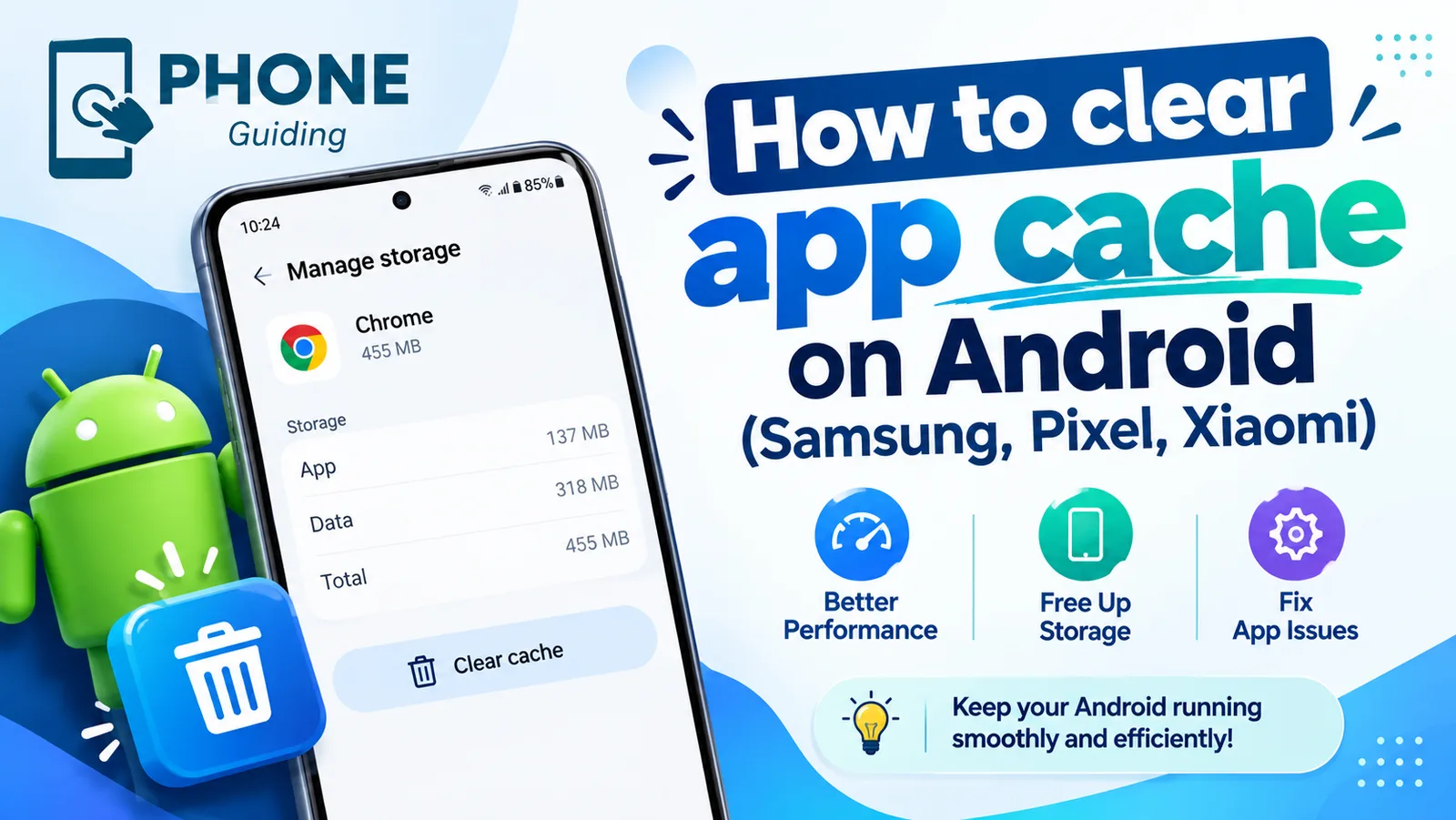
FeaturedAndroid
Clear app cache on Android
Clear an app's cache on Android to fix crashes and free up space. Step-by-step instructions for Samsung, Google Pixel, Xiaomi and other phones.
6 min read
Show me the fix

Practical technology help
Clear, step-by-step fixes for iPhone, Apple, Android and the apps you use every day. Find the setting, understand what it does, and get back to what you were doing.
Featured
Clear an app's cache on Android to fix crashes and free up space. Step-by-step instructions for Samsung, Google Pixel, Xiaomi and other phones.
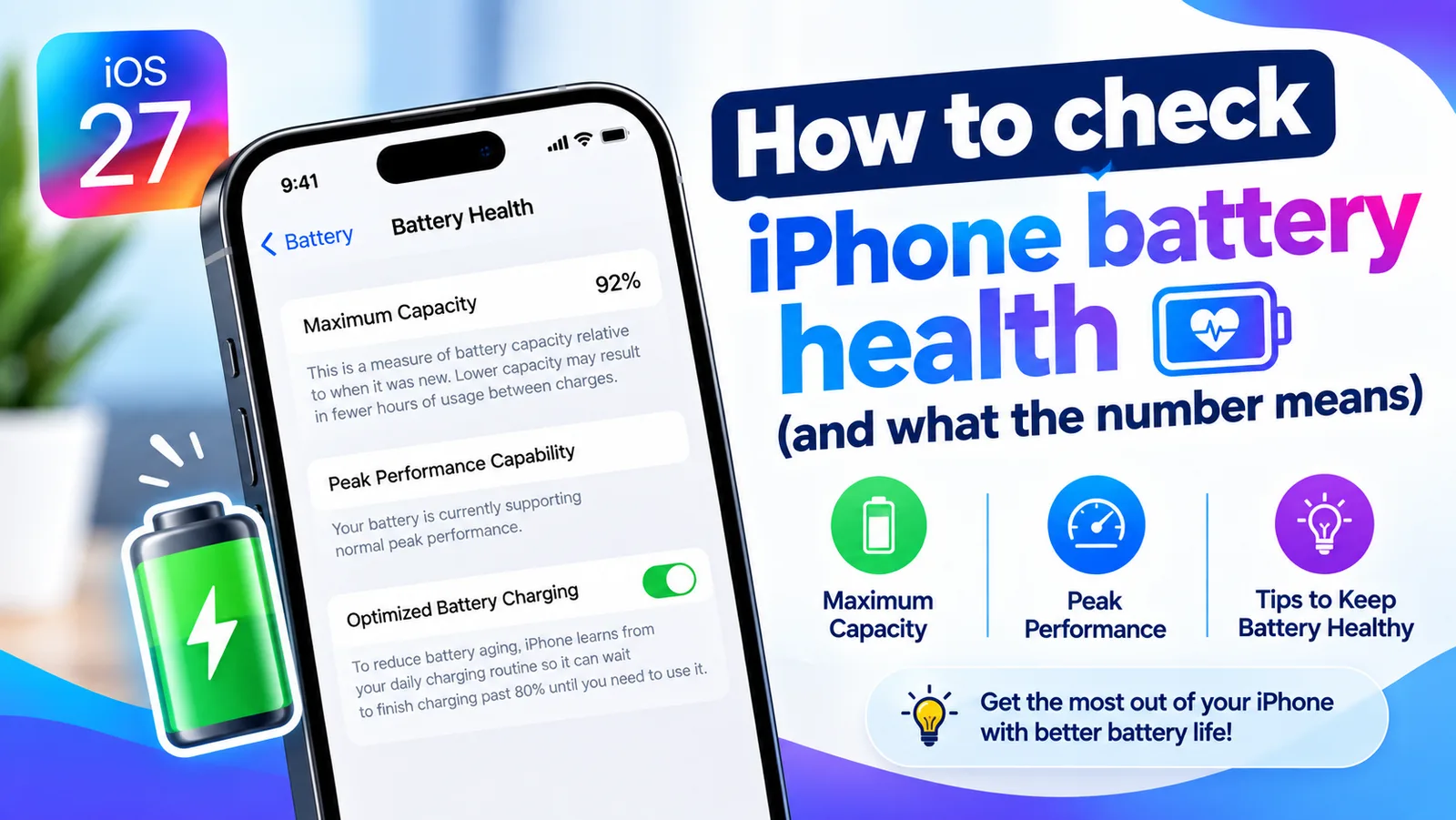
Find your iPhone's Maximum Capacity in Settings, understand what the percentage tells you, and learn when a battery replacement is actually worth it.
Start with the symptom
Most people arrive with a symptom rather than a setting name. Pick the one that matches.
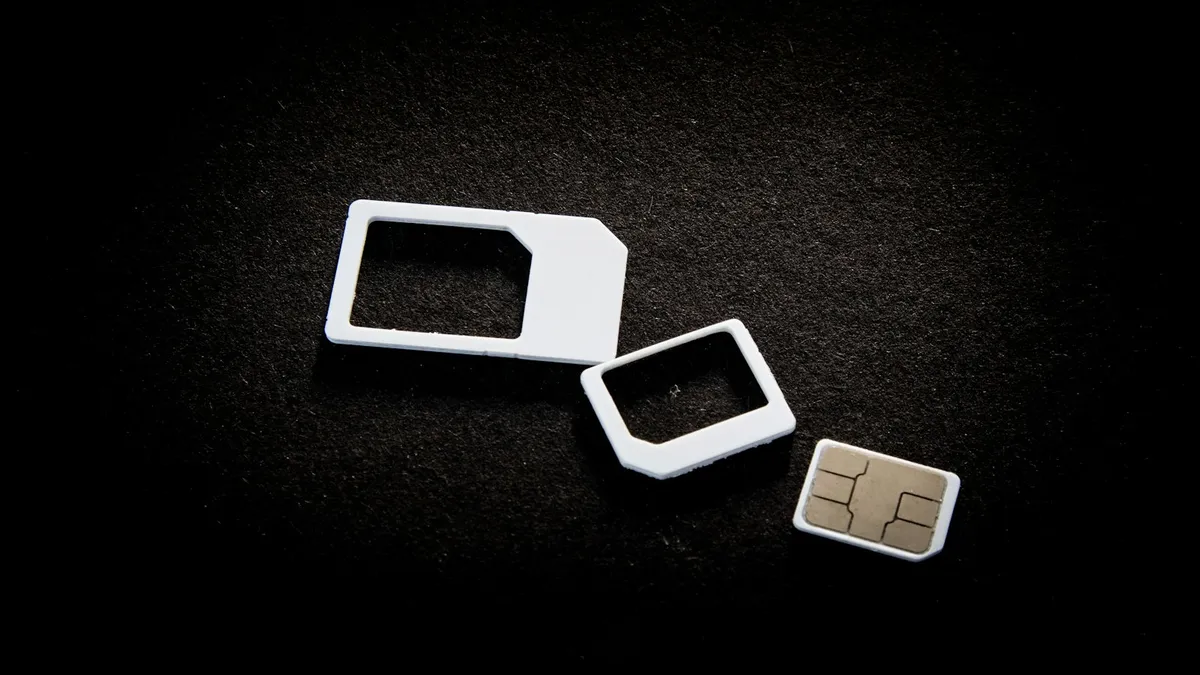
eSIM vs physical SIM on iPhone: Apple says US iPhone 14 and later are eSIM only. See who has a choice, how to switch, and what matters for travel and security.

iPhone screen turns on in pocket? Turn off Raise to Wake and Tap to Wake, check your case and notifications, and avoid a passcode lockout. Steps from Apple.
Unable to activate iPhone? Match your exact error, from update required to activation server unavailable, and fix it with Wi-Fi, SIM, computer or recovery.

iPhone Duo apps not optimized? See why some apps sit in a small centered window, what you can and can't fix, and how to check and update your apps.

Erase All Content and Settings not working? Fix Find My and Apple Account blocks, eSIM prompts and stuck erases, or erase from a computer or iOS Recovery.

WhatsApp verification code not received? Check your number, signal and SIM, find filtered texts on iPhone or Android, and use the phone call option safely.

Boarding pass not showing on iPhone lock screen? Learn when Wallet shows it, how to turn on Suggest on Lock Screen, and how to open your pass right now.

Forgot notes password on iPhone? Reset it in Settings, learn why old locked notes stay locked, and see the few ways to get back in or avoid this next time.

Seeing iPad white lines on screen? Find out whether it is a software glitch or a damaged display with Apple's checks, the screenshot test and repair options.

Find out which iPad you own using the model number in Settings, the back cover, or its look. Then match the A-number to its name and year on Apple's list.

Not sure what to do with an old iPad? Compare selling, Apple Trade In, giving it away and free recycling, plus the steps to erase it safely before it leaves.

iPhone Duo screen cracking reports are growing. See what Apple said on October 26, what owners report, repair costs, and what to do if your screen fails.

Motion assist on Android 17 shows moving bubbles to help reduce motion sickness in a car. Find the setting, add the Quick Settings tile and customize it.

Scam Detection on Pixel warns you about scam calls, texts and chat notifications. See the phones and countries listed, how to turn each part on, and limits.

Pixel Screen Reactions record your screen and selfie camera together on Android 17. See the steps, the entire screen rule, its limits and why it may be missing.

Samsung My FanCam uses Galaxy AI to follow one person in a video and crop around them. See the steps, which phones Samsung lists, the limits and why it fails.

See the watchOS 27 compatible Apple Watch list from Apple, the iPhone you need, and how to update from your iPhone or watch. Plus what to do if it is missing.

Learn how to use Bubbles on a Pixel with Android 17: touch and hold an app icon, tap Bubble, switch between up to 5 floating apps and close them.
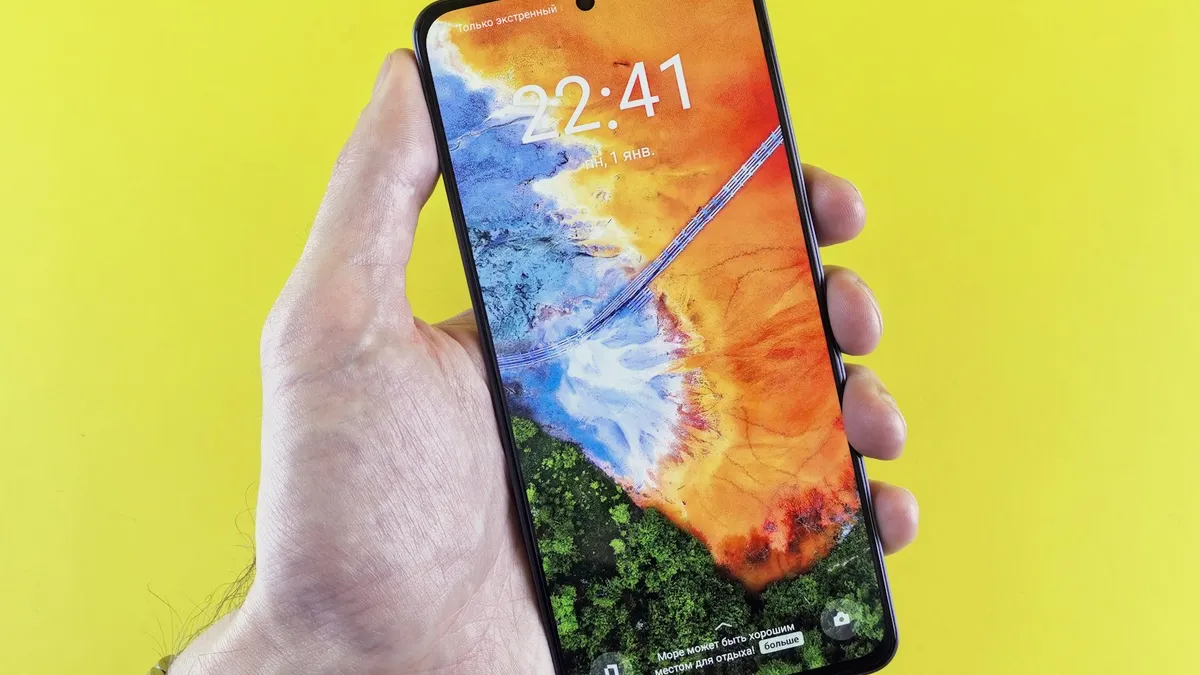
Samsung Call Brief shows useful details on your call screen with One UI 9. See which Galaxy phones Samsung lists, how to turn it on and why it may be missing.

How to get Siri AI on iPhone: update to iOS 27, tap Try Siri AI (Beta) in Settings and join the waitlist. See supported iPhones, languages and regions.
Browse
Every guide belongs to one category, so you can work through a device or a topic in order.
Settings, features and fixes for iPhone, from battery and storage to Face ID and iOS updates.
103 guidesApple ID, iCloud, Mac, iPad, Apple Watch and the services that tie them together.
63 guidesAndroid settings, Google account issues and device-specific fixes explained step by step.
64 guidesFixes and walkthroughs for the apps people use every day: messaging, streaming, storage and more.
42 guidesStraightforward walkthroughs for the things people actually need to do on their phones.
164 guidesSomething is broken. Work through the likely causes in order, starting with the quickest fix.
16 guidesLonger explainers for settings and features worth understanding properly, not just toggling.
24 guidesNewsletter
A short email with the guides people needed most that week. No promotions, and you can unsubscribe in one click.
Looking for something specific? Search every guide.