FeaturediPhone
Forgot Notes password
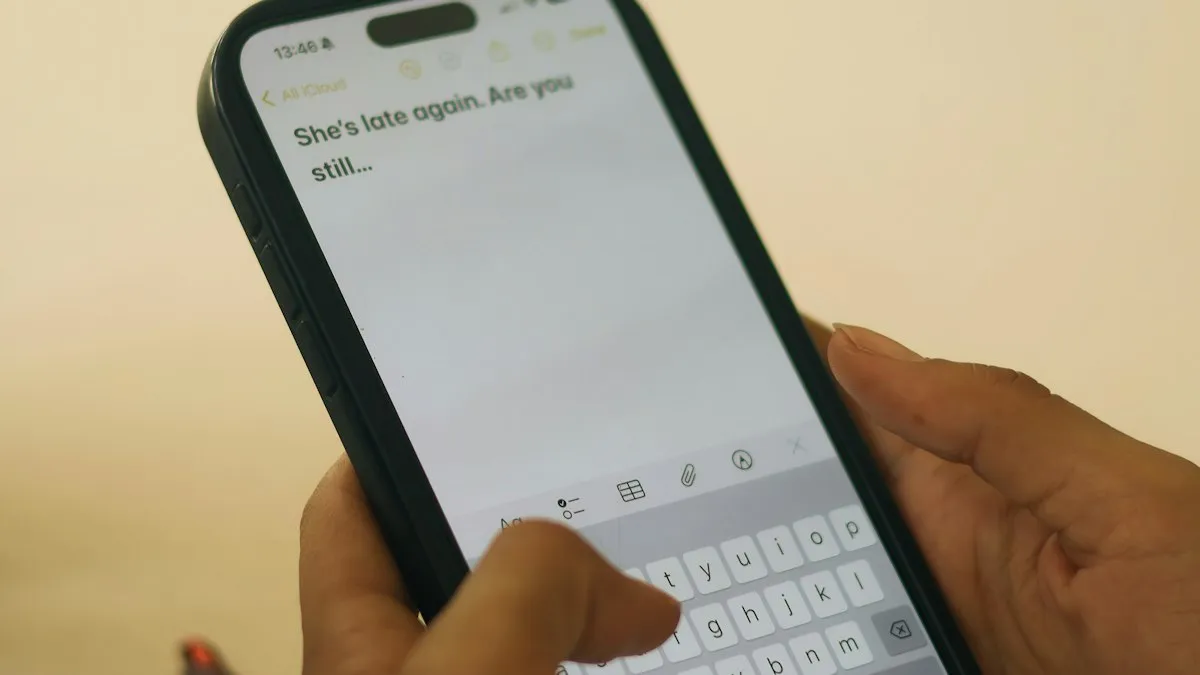
Forgot notes password on iPhone? Reset it in Settings, learn why old locked notes stay locked, and see the few ways to get back in or avoid this next time.
8 min read
Show me the fix

Practical iPhone guides written for real situations: something stopped working, a setting moved, or you need to know where a feature lives in the current version of iOS.
98 guides
Forgot notes password on iPhone? Reset it in Settings, learn why old locked notes stay locked, and see the few ways to get back in or avoid this next time.

iPhone Duo screen cracking reports are growing. See what Apple said on October 26, what owners report, repair costs, and what to do if your screen fails.
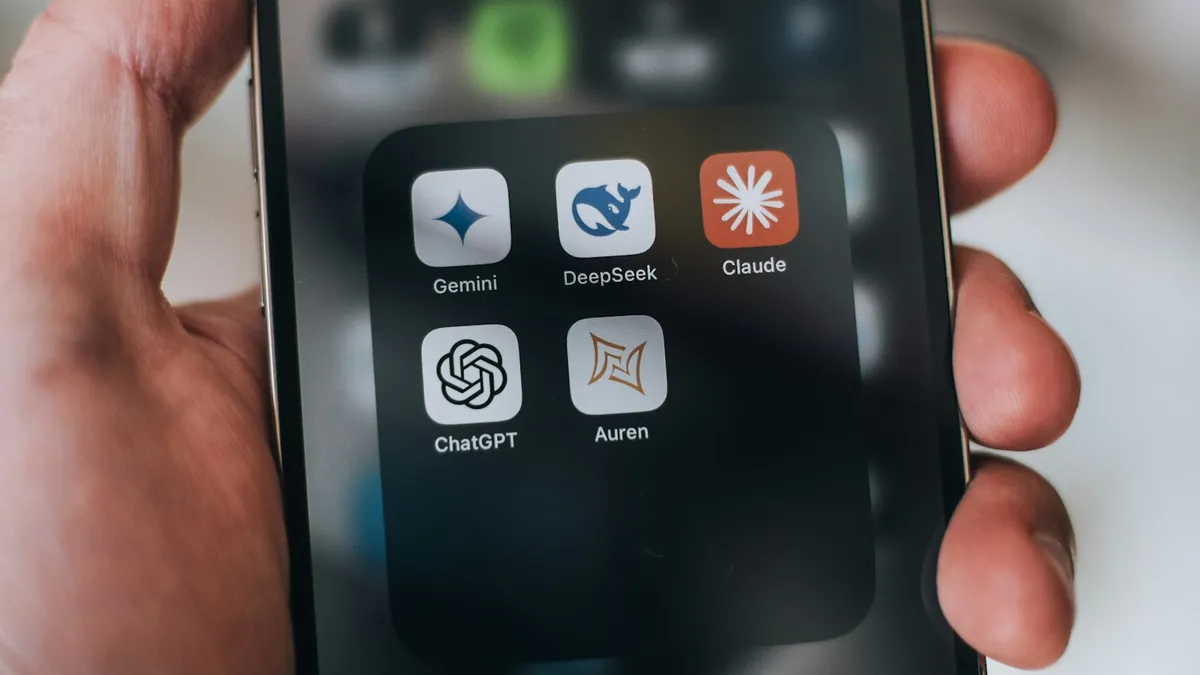
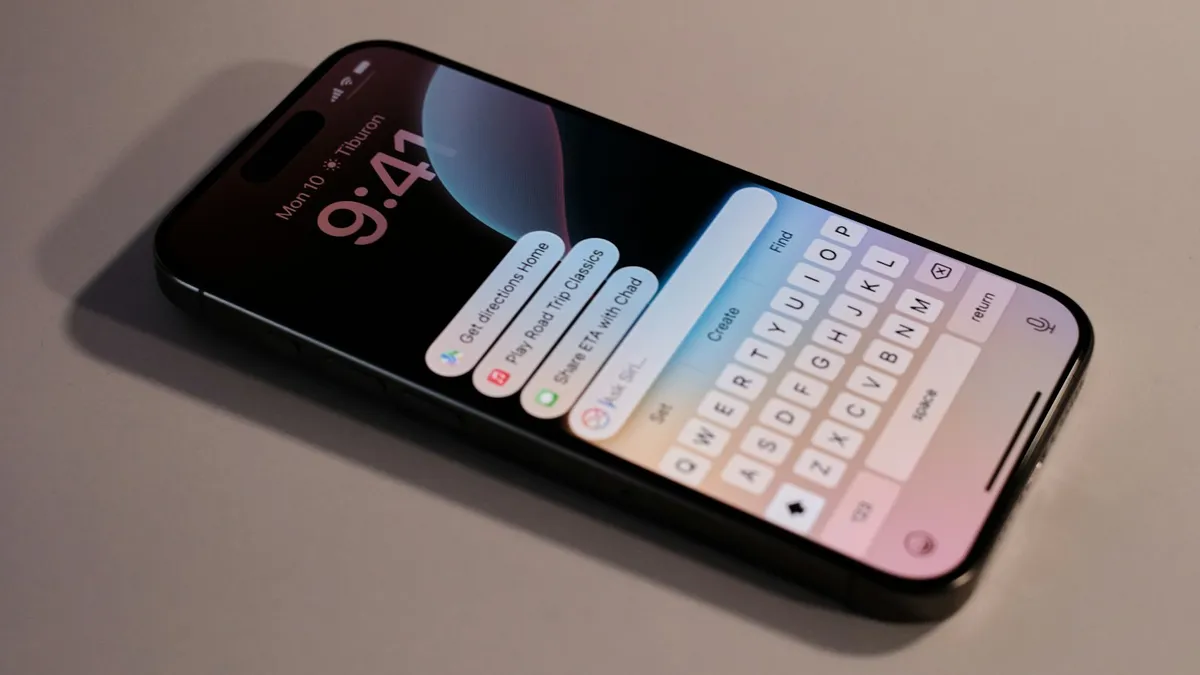
How to get Siri AI on iPhone: update to iOS 27, tap Try Siri AI (Beta) in Settings and join the waitlist. See supported iPhones, languages and regions.
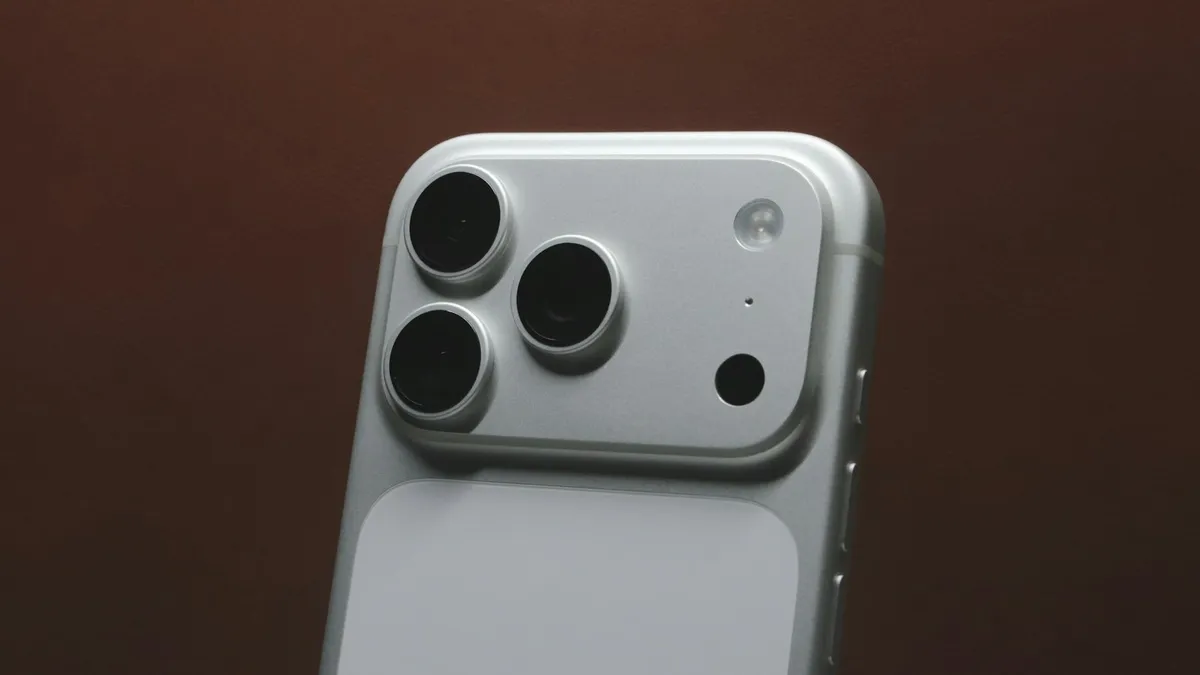
iPhone 18 Pro aperture explained: how the variable aperture works, where to change it in Camera and when to use f/1.48, f/1.8 and f/4. Official steps.
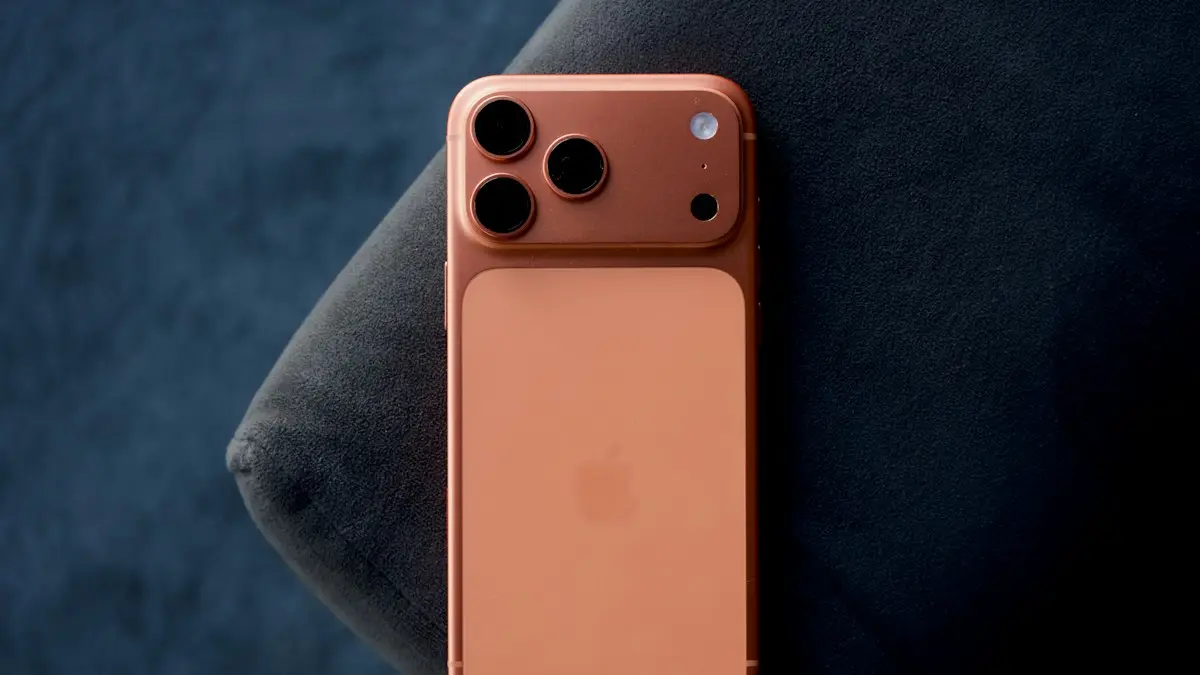
iPhone Duo price and release date from Apple's own pages: $1,999 start, October 23 availability, storage, colors, eSIM-only and trade-in credit explained.
iOS 27.0.1 is a bug-fix update. See the three fixes Apple lists, which iPhones they help, how to install it and whether you should update now.
iPhone back tap not working or not detected? Check the action, your model, the case and how you tap, then update and reset. 8 fixes for double and triple tap.
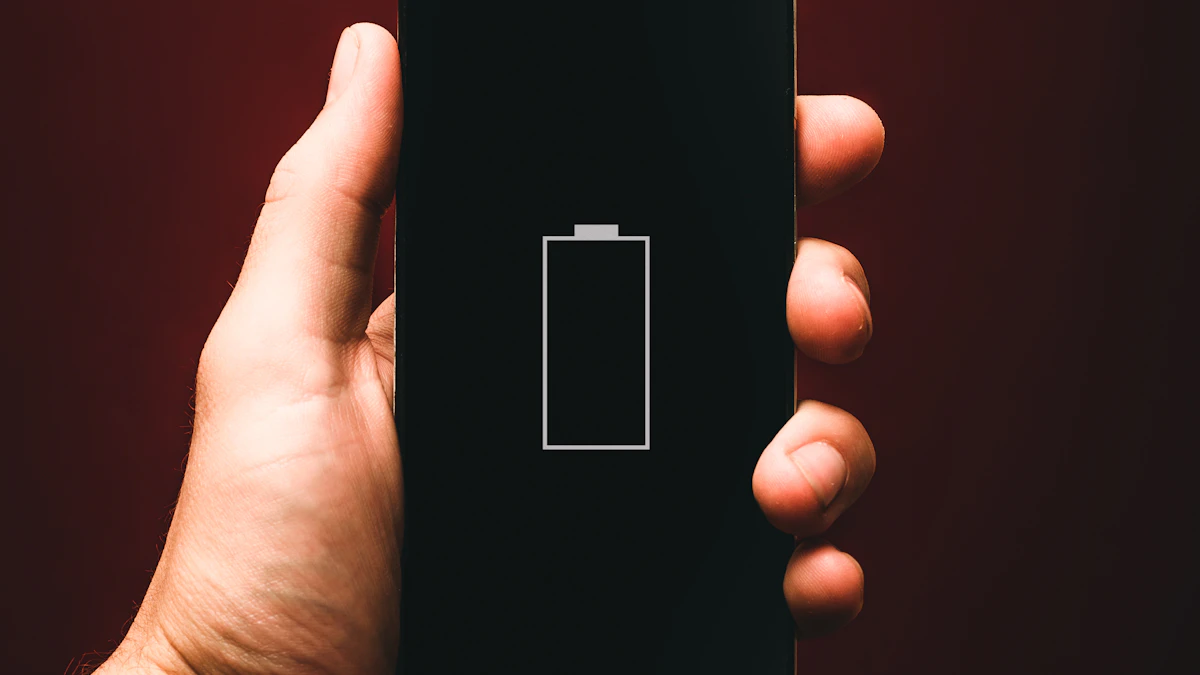
iPhone battery percentage not showing in the status bar? Turn on Battery Percentage, check your model, use Control Center or a widget. 7 ways to see the number.
iPhone camera keeps resetting settings every time you open it? Turn on Preserve Settings so your mode, filter and Live Photo choice stay put. 6 fixes.
iPhone flashlight turns on by itself in your pocket or when you wake the screen? Why it happens and 7 ways to stop it, from Tap to Wake to the Action button.
iPhone not vibrating for calls, texts or alerts? Check System Haptics, the Haptics setting, Vibration in Accessibility, Focus and Silent mode. 8 fixes.
iPhone stuck in headphone mode with no sound from the speaker? Check Bluetooth, the audio output, the charging port and Silent mode. 8 fixes that work.
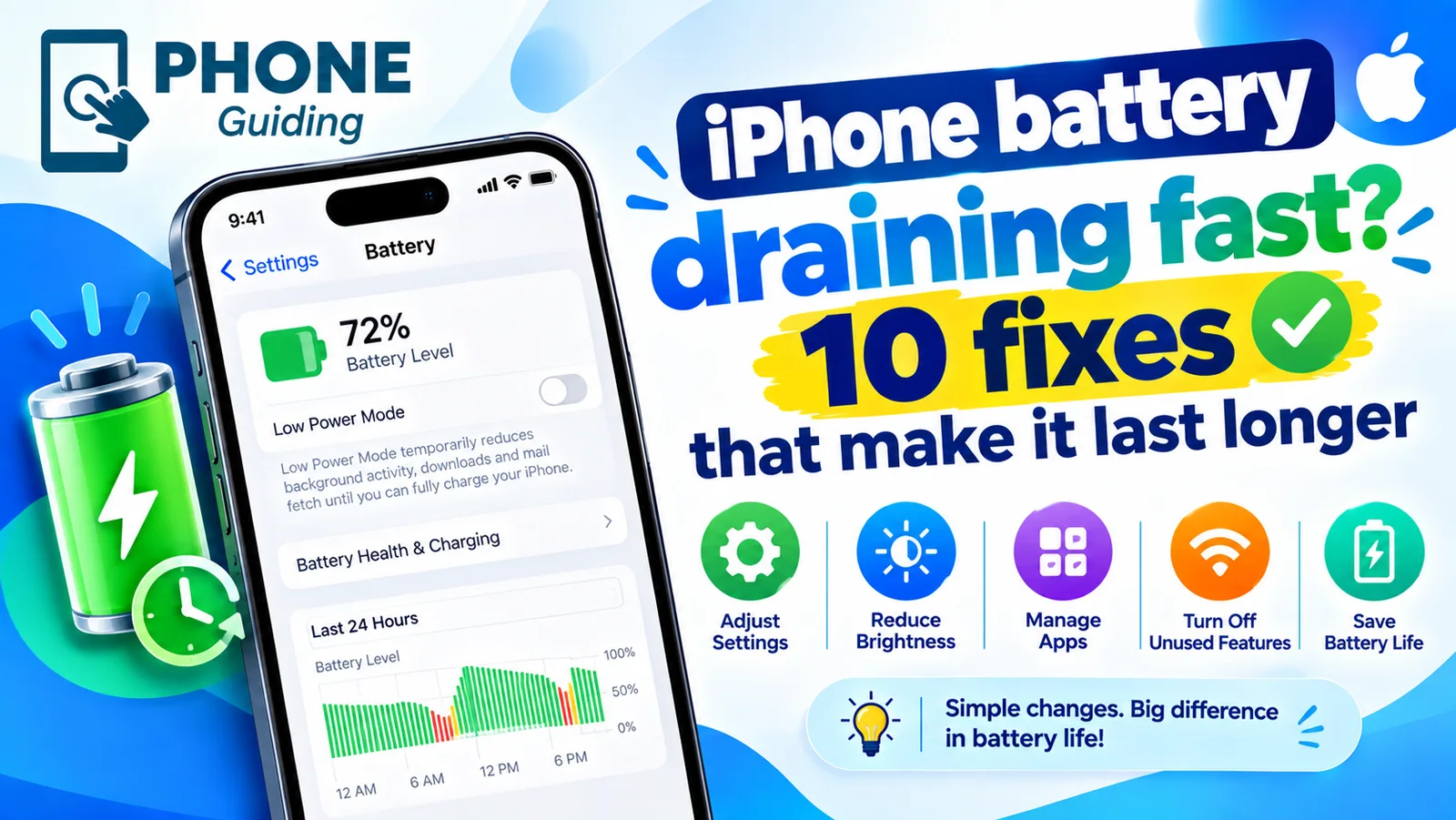
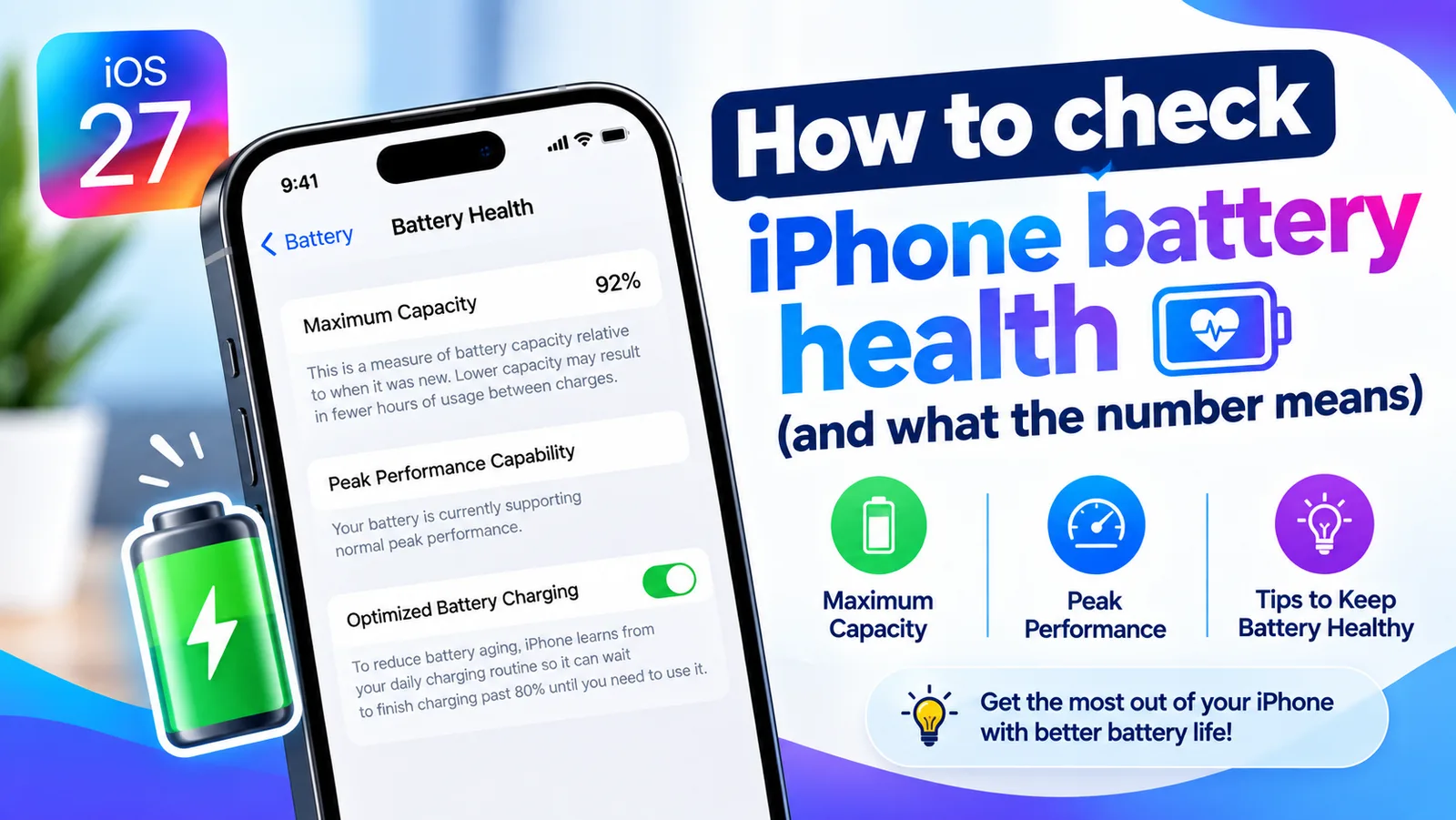
Your iPhone has been used more than usual since upgrading iOS and it may affect battery life? Here is what the message means, how long it lasts and 8 tips.
Showing 12 of 97