

Why does my phone say SOS? What it means and how to fix it
SOS means your phone cannot reach your own network but can still make emergency calls through another one. Here is how to get normal service back.
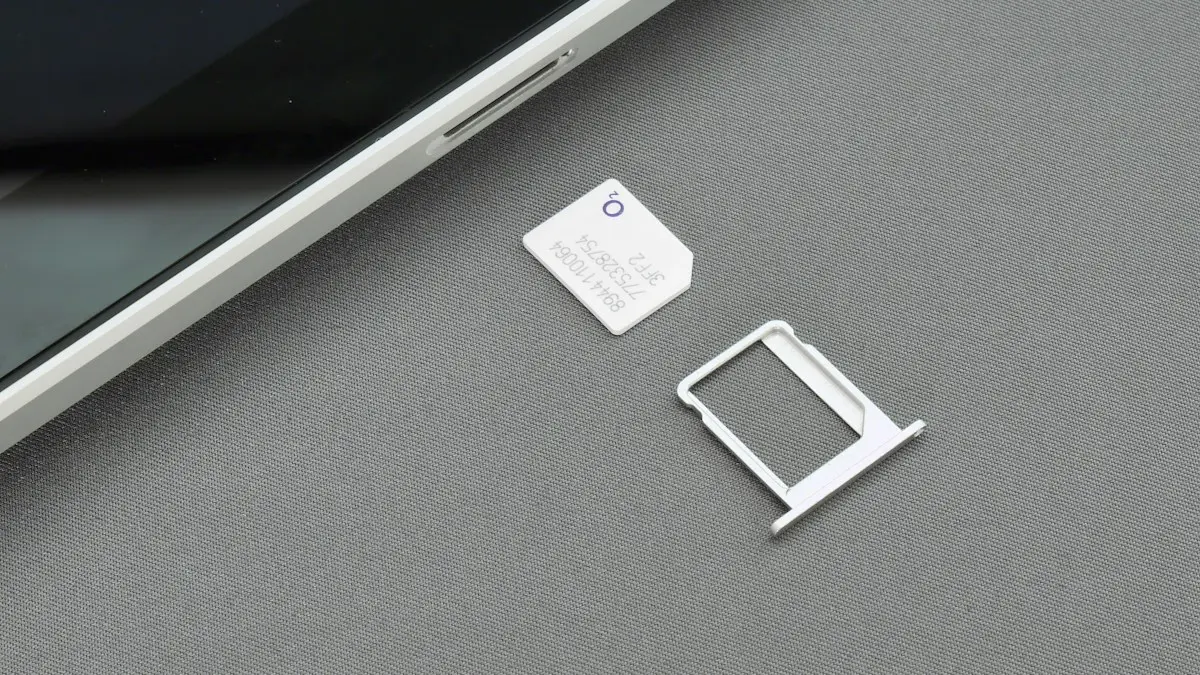
Photo by Sorin Gheorghita on Unsplash
Seeing SOS or SOS only where your carrier name and bars usually are means your phone has lost its connection to your own network. It can still reach emergency services through any network nearby, which is why 911 works, but normal calls, texts and data do not. Sometimes it lasts a few seconds in an elevator or a dead spot. Sometimes it sticks around for hours, or appears every day in the same room. Here is what it means, what causes it, and how to get your service back on iPhone and Android.
What is the difference between SOS, No Service and Searching?
- SOS or SOS only: no connection to your carrier, but emergency calls work through another network.
- No Service: no usable network at all for your phone.
- Searching: the phone is looking for your network, often after Airplane Mode or a restart.
- Satellite icon: on iPhone 14 and later, satellite features such as Emergency SOS via satellite are available because you are out of range.
- Emergency calls only (Android): the Android equivalent of SOS.
What are the common reasons your phone says SOS?
- Weak or no coverage from your carrier where you are, such as a basement, an elevator or a rural road.
- A carrier outage.
- A problem with the SIM or eSIM, or the line being suspended.
- Your plan does not cover the country or area you are in.
- The phone is locked to a different carrier.
- An older phone that relied on 3G, which US carriers have shut down.
How to fix your phone saying SOS
The fix
8 fixes to get service back
- 1
Move to a better spot.
Go outside or near a window. Basements and rural areas often have no coverage.
- 2
Check for a carrier outage.
If friends on the same carrier also see SOS, wait for the carrier to fix it.
- 3
Toggle Airplane Mode.
Turn it on for 15 seconds, then off, to force a new network search.
- 4
Restart the phone.
- 5
Update carrier settings (iPhone).
Go to Settings › General › About. If an update is available, a prompt appears after a few seconds.
- 6
Check the SIM or eSIM.
Remove and reinsert a physical SIM. For eSIM, check Settings › Cellular that the line is turned on.
- 7
Make sure your account is active.
An unpaid bill or suspended line shows as SOS.
- 8
Reset network settings.
iPhone: Settings › General › Transfer or Reset iPhone › Reset › Reset Network Settings.
Is the right network selected?
If the phone was set to a specific network, for example while traveling, it may not switch back. On iPhone, go to Settings › Cellular › Network Selection and turn on Automatic. On Samsung, go to Settings › Connections › Mobile networks › Network operators and choose Select automatically. On Pixel, the option is in Settings › Network & internet › SIMs, under Automatically select network.
What are the steps on Android?
- Toggle Airplane mode from Quick Settings, then restart the phone.
- In Settings › Connections › Mobile networks (Samsung) or Network & internet › SIMs (Pixel), check that the line is on and Network mode includes LTE or 5G.
- Remove and reinsert the SIM, or check the eSIM is still listed.
- Reset network settings: Settings › General management › Reset › Reset network settings on Samsung, or Settings › System › Reset options on Pixel.
If a Samsung shows Not registered on network instead, see how to fix not registered on network.
Why does it say SOS right after switching carriers or adding an eSIM?
A new line can show SOS until the carrier finishes activating it and moving your number, which is often quick but can take longer. Restart once the carrier confirms the line is active, and make sure the new line is turned on and set as default in Settings › Cellular. If you moved from another carrier, the phone must be unlocked, or it will reject the new SIM or eSIM. See an unlocked phone check.
Why does my phone say SOS abroad?
When you travel, your phone needs a partner network that your plan is allowed to use. Check that your plan includes the country, and turn on Data Roaming in Settings › Cellular › Cellular Data Options on iPhone or Mobile networks on Android. If your plan does not cover it, a local SIM or a travel eSIM gets you back online, and Wi-Fi Calling works on hotel Wi-Fi for calls to the US on many plans.
Did the 3G shutdown cause SOS on older phones?
Verizon, AT&T and T-Mobile have shut down their 3G networks. Phones that cannot make calls over LTE, mainly older and some imported models, can show SOS or No Service even with good coverage. If your phone is several years old and SOS started suddenly and permanently, ask your carrier whether it is still supported. A newer phone is the only fix in that case.
Can prepaid plans or account problems cause SOS?
On prepaid plans, the line can switch to emergency only as soon as the paid period ends or the balance runs out. Check your carrier app or account page for the plan’s end date and add funds if needed; service usually returns within minutes, sometimes after a restart. On postpaid plans, a past-due bill, a fraud hold or a line that was accidentally suspended during a plan change can do the same. Your carrier can see this immediately, so if your phone shows SOS everywhere and friends on the same carrier are fine, a quick call or chat often solves it faster than anything on the phone.
Why does it say SOS in one spot every day?
If SOS appears in the same places, such as your basement, office or a stretch of road, that is a coverage gap. Wi-Fi Calling fixes it indoors, a cell signal booster can help where there is weak signal outside, and if it happens at home most days, another carrier with better coverage in your area may be worth comparing.
Is the SOS status the same as the Emergency SOS feature?
The SOS in the status bar is about signal. It is different from Emergency SOS, the feature that calls 911 when you hold the side and volume buttons or press the side button five times. If your phone made an emergency call by accident or shows an SOS countdown, that is the feature, not your signal. You can change how it works in Settings › Emergency SOS. See how to turn off Emergency SOS on iPhone.
Can you text with no cell service using satellite?
When you are outdoors with SOS and no Wi-Fi, newer phones can still reach people. iPhone 14 and later include Emergency SOS via satellite, and with iOS 18 or later, Messages via satellite lets you send texts in supported countries, including the US. Some carriers also offer satellite texting for many recent phones on certain plans. Your phone guides you to point it at the sky when these options are available. They are meant for when there is truly no coverage, not for indoor dead spots.
When is it the phone itself?
If SOS stays everywhere, even where other phones on the same carrier work, and a new SIM or eSIM does not help, the cellular hardware may be at fault. On iPhone, look at Settings › General › About: if Modem Firmware is blank or the IMEI is missing, that strongly points to hardware. Phones that were dropped or got wet are the most common cases. Apple, Samsung or an authorized repair shop can test it, and it may be covered by warranty, AppleCare+ or Samsung Care+.
Frequently asked questions
Can I call 911 when my phone says SOS?
Yes. SOS means emergency calls still work through any available network, even though normal calls, texts and data do not.
Why does my whole area show SOS?
That usually means a carrier outage. Check the carrier’s status page or social media. It is fixed on their side.
Why does my phone say SOS after switching carriers?
The new line may not be active yet, the number port may still be in progress, or the phone is locked to the old carrier. Restart once the carrier confirms activation, and check that the phone is unlocked.
Why does my phone say SOS abroad?
Your plan may not include roaming in that country, or Data Roaming is off. Turn on roaming if your plan covers it, or use a local SIM or travel eSIM.
What to try next
People also ask
Why does my iPhone say No Service?
The phone cannot connect to your carrier's network. Common causes are a carrier outage, a weak signal, a software glitch, a SIM or eSIM problem or an account issue such as a suspended line.
Read the full guide: iPhone no serviceDoes my unlocked Moto work on my carrier?
Most do on AT&T, T-Mobile and Verizon, but some models miss bands. Check the model on your carrier’s compatibility page.
Read the full guide: Motorola losing networkWhy does my phone say emergency calls only?
The phone found a tower but your carrier is not letting your line on. Causes include weak coverage, an outage, a SIM problem, a past-due or suspended account, or a bad network setting.
Read the full guide: Emergency calls onlyIs Slow Charger bad for my battery?
No. Charging slowly is gentle on the battery. It just takes longer to fill up.
Read the full guide: iPhone slow charger messageRelated guides

iPhone no service
iPhone no service or searching? Try 10 fixes in order: Airplane Mode, restart, carrier update, SIM check, network reset and more, plus outage checks.
Motorola losing network
Motorola phone keeps losing network or showing no service? Toggle Airplane mode, reseat the SIM, change network type, reset APN and network settings.
Emergency calls only
Phone says emergency calls only? It means your carrier is not accepting your line. Try these 8 fixes for iPhone and Android before you call your carrier.
iPhone slow charger message
iPhone says Slow Charger? It means your adapter or cable delivers less power than your iPhone can use. Here is what counts as slow and which charger fixes it.
More guides you may need
Emergency calls only
Phone says emergency calls only? It means your carrier is not accepting your line. Try these 8 fixes for iPhone and Android before you call your carrier.
SIM card locked (PUK code)
SIM card locked and asking for a PUK code? Learn what SIM PIN and PUK mean, how to get your PUK from your carrier and how to fix a blocked SIM.