

What Low Power Mode actually does on iPhone (and is it safe to leave on?)
Low Power Mode trades a few background features for longer battery life. Knowing what it pauses helps you decide when it is worth switching on.
Photo by Brett Jordan on Unsplash
How to turn it on
- Go to Settings › Battery and turn on Low Power Mode.
- Or add the Low Power Mode button to Control Center for one-tap access.
- iOS also offers to turn it on when the battery drops to 20%.
What it changes
- Mail fetch: new email is not checked automatically in the background.
- Background App Refresh: apps stop updating their content while you are not using them.
- Automatic downloads and updates: app updates and downloads wait until you turn Low Power Mode off.
- iCloud Photos: uploading and syncing photos is paused.
- Auto-Lock: the screen locks after 30 seconds.
- Display: on models with ProMotion, the refresh rate is limited to 60 Hz, and some animations are reduced.
- 5G: on 5G models, cellular data uses 5G less often, except for tasks such as streaming large videos.
- Performance: the processor may run a little slower during heavy tasks such as games.
When to use it
- When you are far from a charger and need the battery to last.
- On travel days, when you are using maps and your camera heavily.
- When your battery is worn and struggles to get through the day.
If you find yourself using Low Power Mode every day just to get to the evening, the battery may be worn out. It is worth checking its health before blaming the phone.
Why does iOS pause these things?
Every background task wakes the processor, the radio or the screen, and each wake-up uses a little battery. Low Power Mode cuts the tasks that you do not notice in the moment, such as checking for new mail, refreshing apps you are not using and uploading photos. Apple reduces the work rather than turning features off for good, so everything catches up when the mode ends. The saving depends on how you use the phone. Apple says it can add up to about three hours in some situations, but the real number varies by model, battery age and what you do.
What changes on the screen
The display is one of the largest power users, so Low Power Mode touches it. Auto-Lock drops to 30 seconds. Brightness is not forced down, but animations and some visual effects are toned down, and on iPhone Pro models with ProMotion the screen runs at 60 Hz instead of up to 120 Hz. On some newer iOS versions the Always-On display may also dim or turn off. If scrolling feels less smooth in Low Power Mode, that is the refresh rate, not a fault. You can lower brightness yourself in Control Center for more savings. For permanent display tweaks see iPhone display settings.
Which apps and features keep working?
- Phone calls and texts: unchanged.
- Alarms and timers: unchanged.
- Maps and GPS: work, though they drain the battery whenever the screen is on.
- Streaming and games: work, but heavy games may run at a lower frame rate.
- Push notifications: arrive normally for apps like Messages and WhatsApp that use Apple's push service. If they do not, see WhatsApp notifications not working.
- Hey Siri: still works on newer models, though some Siri features may be slower.
Low Power Mode on iPad, Apple Watch and Mac
The same idea exists on other Apple devices. iPad has Low Power Mode in Settings › Battery. Apple Watch has it under Settings › Battery, and it turns off the always-on display and some health checks. Mac laptops have a Low Power option in System Settings › Battery. The details differ by device, but the trade is the same: less background work in exchange for longer use.
Low Power Mode versus other battery settings
People often mix Low Power Mode with Optimized Battery Charging and Battery Health. They do different jobs. Low Power Mode saves battery during the day. Optimized Battery Charging slows charging past 80% to reduce wear. Battery Health shows how much capacity the battery has left, and you can read it using our guide to checking your iPhone's battery health. You can use all three together.
When it is a bad idea to use it
- You are waiting for an important email or document. Mail fetch is paused, so use Fetch or open Mail by hand.
- You are downloading a big app or update. Downloads pause until Low Power Mode is off.
- You are uploading photos to iCloud before a trip. Uploads are on hold.
- You are playing a demanding game and want full speed.
- You are using CarPlay or driving with Maps and need a bright screen. Plug in a charger instead.
Can you turn it on automatically?
Yes. Open the Shortcuts app, tap Automation, create a personal automation for Battery Level and choose a level, such as 30%, then add the Set Low Power Mode action. You can also build one that turns it off when the phone is charging. iOS asks you to turn it on at 20% and 10% by default. In iOS 26 and later there may also be an option for Adaptive Power, which tunes performance to save energy when needed. Check Settings › Battery to see what your version offers.
If Low Power Mode keeps turning itself off
Low Power Mode turns off by itself when the battery reaches 80% during charging. That is normal. If it turns off at other times, check for an automation in Shortcuts, a Focus mode that changes settings, or an iOS update that reset your Battery settings. Turn it on again from Control Center. If the Low Power Mode switch is grey, restart the phone and check for an update.
What if the battery still drains fast?
If your battery is low by lunch even with Low Power Mode on, the battery may be worn, or an app may be misbehaving. Look at Settings › Battery to see which apps use the most power in the last 24 hours and ten days. A very low Maximum Capacity under 80% usually means a replacement helps a lot. Compare the cost with a new phone in whether a battery replacement is worth it, and see why an iPhone battery drains fast for the full checklist.
A simple test to see how much it helps
Charge to 100%, note the time and use the phone as usual for a day with Low Power Mode on. The next day, do the same with it off. Compare how much battery was left at the same hour and what you did. The difference tells you whether it earns a place in your routine. Heavy users who stream video, play games and take photos often see a smaller saving than people who mainly text and browse.
Tips that save more than Low Power Mode alone
- Lower the screen brightness or turn on Auto-Brightness.
- Turn off Location Services for apps that do not need it, in Settings › Privacy & Security › Location Services.
- Use Wi-Fi instead of cellular data when you can, since a weak cellular signal makes the radio work harder.
- Close apps that you know are stuck, but do not close every app all the time, which wastes more power than it saves.
- Keep the phone out of heat. See why an iPhone gets hot.
What about Android's battery saver?
Android phones have a similar feature called Battery Saver or Power Saving mode, and Samsung adds more levels in Settings › Battery. They also limit background activity and may lower the screen refresh rate. The names differ by brand, but the idea is the same. If you switch from Android to iPhone, Low Power Mode is the closest match.
Is Low Power Mode bad for the battery?
No. It does not wear the battery or harm the phone. It only asks the system to do less. The battery ages with charge cycles and heat, not with the use of a power saving feature. If anything, lower heat and less work help a little.
Frequently asked questions
Is it bad to leave Low Power Mode on all the time?
No. It does not harm the battery. You simply get fewer background updates and slightly lower performance. iOS turns it off automatically once the battery charges past 80%.
Does Low Power Mode make charging faster?
Only slightly, because the phone uses less power in the background while it charges. It will not make a noticeable difference.
Why does the battery icon turn yellow?
A yellow battery icon simply shows that Low Power Mode is on.
Does Low Power Mode stop calls and texts?
No. Calls, texts, iMessage and alarms work as usual. Only background tasks such as email fetch and app refresh are reduced.
What to try next
People also ask
Why does my phone keep starting in safe mode?
A stuck Volume Down button or a tight case pressing it. Take off the case and press the button a few times.
Read the full guide: Android safe modeWhy does my iPhone restart by itself?
The most common causes are a software bug after an update, an app that crashes the system, a worn battery that cannot supply enough power, a faulty SIM card, or a hardware fault such as a damaged charging port.
Read the full guide: iPhone keeps restartingDoes fast charging reduce battery life?
A little, because faster charging produces more heat and every battery wears with use. Modern phones slow down as they warm up, so the difference over a few years is usually small.
Read the full guide: Is fast charging bad?Is 74% battery health OK on an iPhone?
It works, but it is worn. Apple considers a battery below 80% of its original capacity worn out. At 70% to 79% you will notice shorter days and may see sudden shutdowns in the cold or at low charge. A replacement fixes it.
Read the full guide: Check iPhone battery healthRelated guides
Android safe mode
Safe mode starts Android with only built-in apps so you can find a bad app. How to turn it on, how to turn it off, and what to do if your phone is stuck in it.
iPhone keeps restarting
iPhone keeps restarting on its own or stuck in a restart loop? Find the cause with the panic log, then work through 9 fixes, from quick checks to repair.
Is fast charging bad?
Is fast charging bad for your battery? Mostly no, but heat is. Learn how phones protect themselves, which settings slow charging and when to go slower.
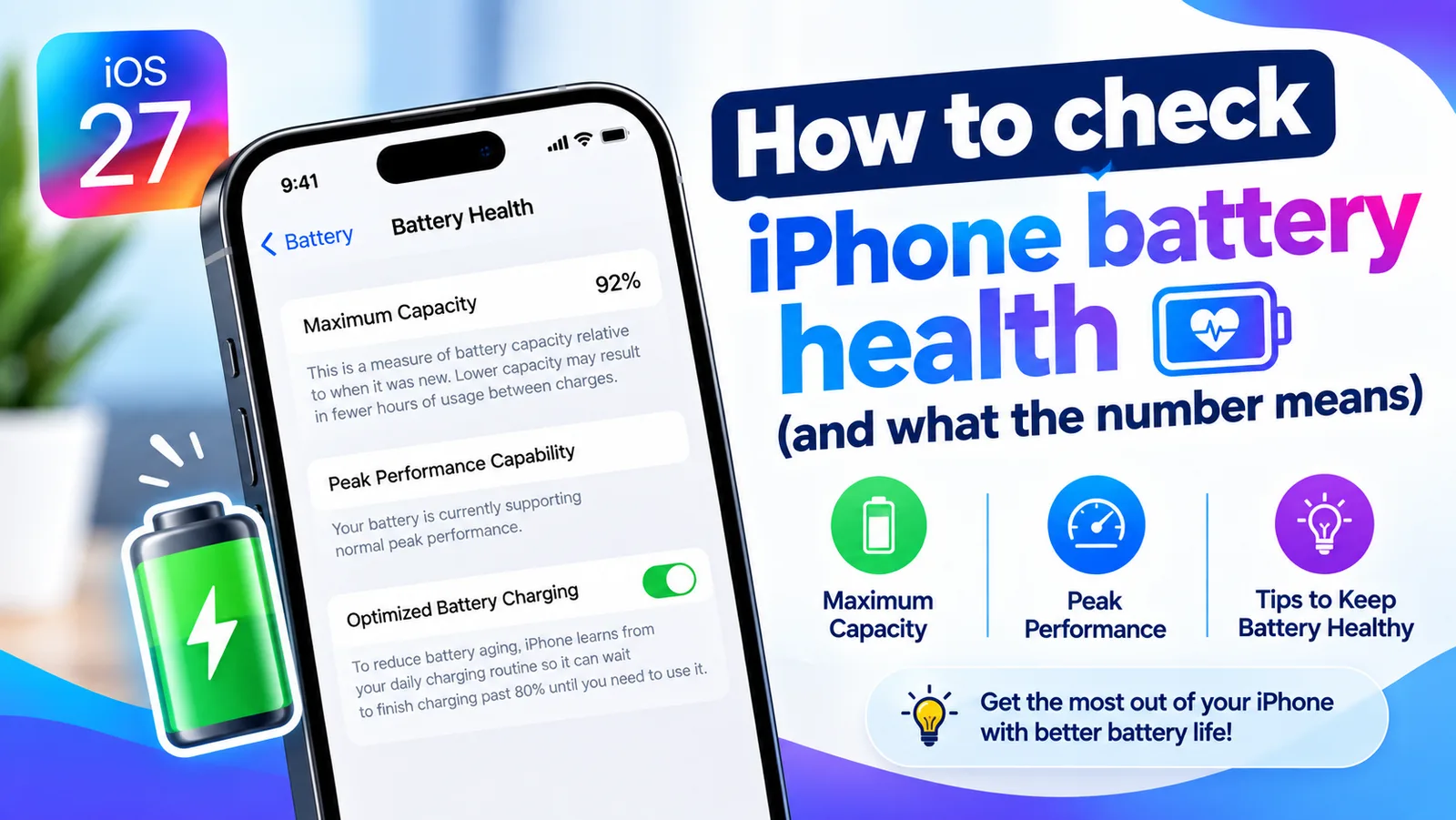
Check iPhone battery health
Find your iPhone's Maximum Capacity in Settings, understand what the percentage tells you, and learn when a battery replacement is actually worth it.
More guides you may need
iPhone NFC tag reader
Yes, iPhones have NFC. Learn which models read NFC tags automatically, how to use the NFC Tag Reader on older iPhones, and how to run Shortcuts with a tag.
MagSafe vs Qi2
MagSafe vs Qi2: how they differ, which phones work with each, charging speeds, case rules and what to look for when you buy a magnetic wireless charger.