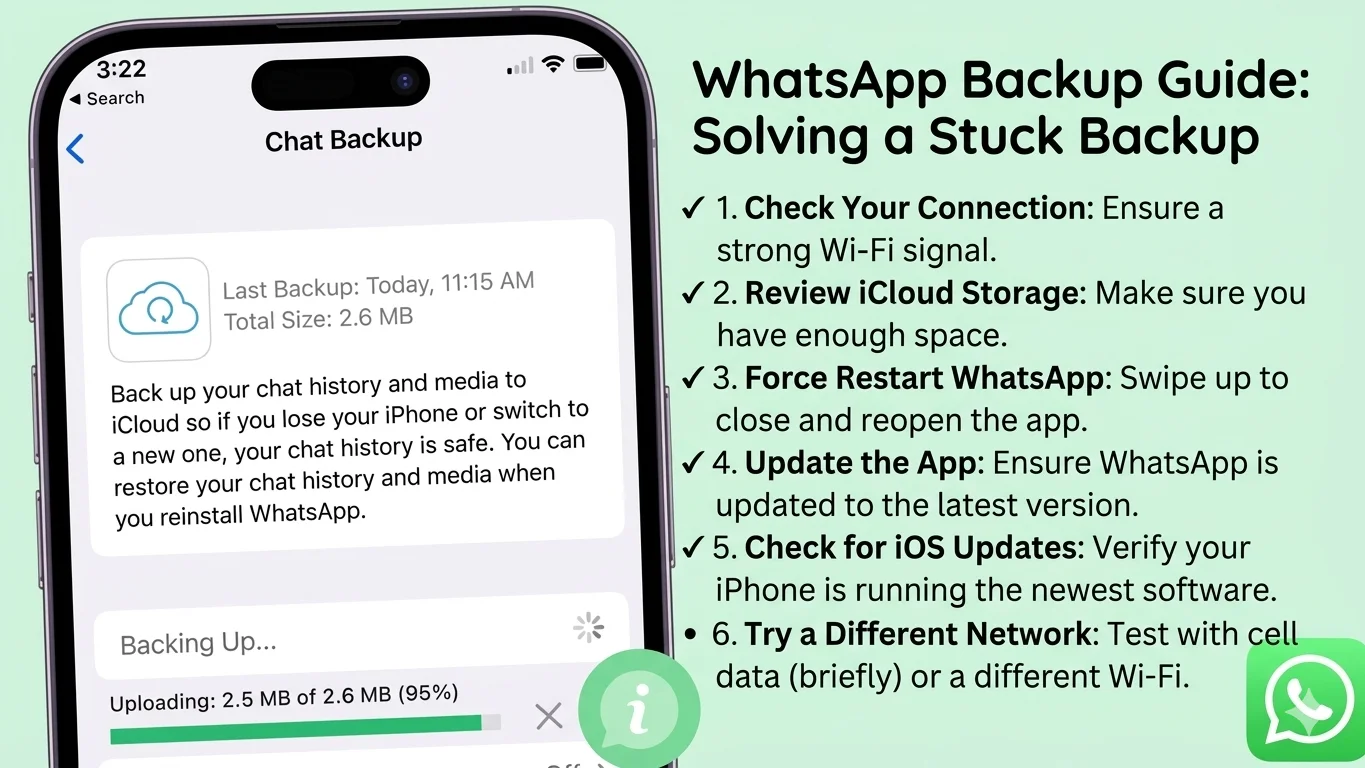
WhatsApp Backup Stuck on iPhone? Here’s How to Fix It
If your WhatsApp backup is stuck on iPhone, it’s usually due to slow internet, insufficient iCloud storage, or incorrect iCloud settings. You can fix it by checking iCloud storage, using a stable WiFi connection, signing out and back into iCloud, and restarting your iPhone.
Why Is My WhatsApp Backup Stuck?
Common reasons include:
- Slow or unstable WiFi connection
- Not enough iCloud storage
- iCloud Drive turned off
- Outdated iOS or WhatsApp version
- Large backup size (videos/photos)
- iCloud sync issues
- Low battery or Low Power Mode
10 Proven Fixes for WhatsApp Backup Stuck on iPhone
1. Check Your Internet Connection (MOST IMPORTANT)
WhatsApp backup only works on WiFi
- Connect to a strong WiFi
- Avoid mobile data
Slow internet = stuck backup
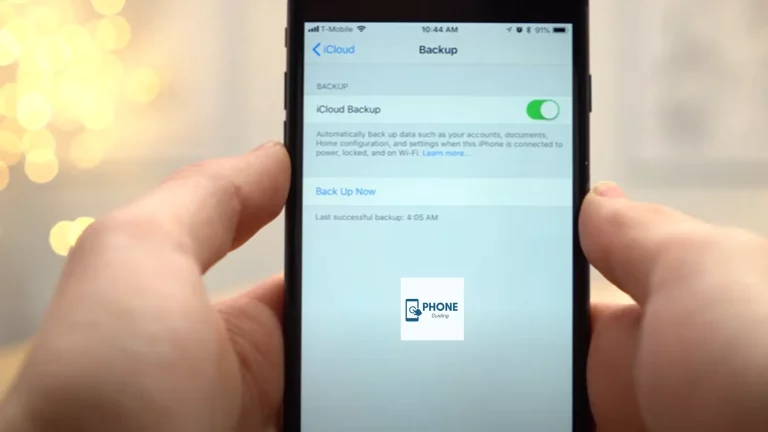
2. Check iCloud Storage
Go to: Settings → [Your Name] → iCloud → Manage Storage
Make sure you have enough space
WhatsApp backup needs free storage equal to the backup size
3. Enable iCloud Drive for WhatsApp
Go to: Settings → [Your Name] → iCloud
Turn ON:
- iCloud Drive
- WhatsApp toggle
4. Restart Your iPhone
Simple but effective
Clears temporary glitches
5. Update WhatsApp and iOS
- Open App Store → Update WhatsApp
- Settings → General → Software Update
Fixes bugs causing backup issues
6. Turn Off Low Power Mode
Go to: Settings → Battery → Low Power Mode → OFF
Backup may pause in low power mode
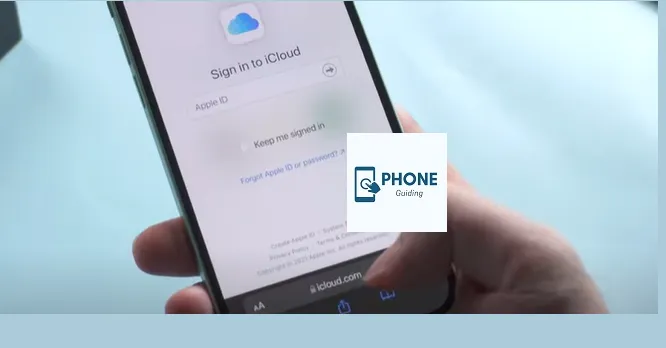
7. Sign Out and Back Into iCloud
Go to: Settings → [Your Name] → Sign Out
Then sign in again
Fixes syncing issues
8. Delete Old Backup and Try Again
Go to: WhatsApp → Settings → Chats → Chat Backup
Delete the old backup and create a new one
Only do this if the backup is corrupted
9. Reduce Backup Size (IMPORTANT)
Exclude videos:
WhatsApp → Settings → Chats → Chat Backup → Include Videos OFF
✔ Makes backup faster
10. Reset Network Settings (LAST FIX)
Go to: Settings → General → Transfer or Reset → Reset → Network Settings
WiFi passwords will be removed
Quick Fix Checklist
| Issue | Fix |
|---|---|
| Slow internet | Use strong WiFi |
| iCloud full | Free up storage |
| Backup stuck | Restart iPhone |
| Sync error | Sign out/in iCloud |
| Large backup | Remove videos |
WhatsApp Backup Stuck at 0% or 99%?
Try this:
- Switch to faster WiFi
- Pause and restart the backup
- Restart iPhone
- Disable Low Power Mode
These steps fix most stuck cases
FAQs: WhatsApp Backup Stuck on iPhone? Here’s How to Fix It
Why is my WhatsApp backup stuck on iCloud?
It’s usually due to slow internet, insufficient storage, or iCloud sync issues.
How long should WhatsApp backup take?
It depends on the data size and the internet speed. Small backups take minutes, while large ones may take hours.
Can I use mobile data for WhatsApp backup?
No, WhatsApp backup on iPhone requires WiFi.
Will I lose data if the backup is stuck?
No, your data remains safe unless you delete the backup manually.